The part that does the chasing for you
A form captures what happened. A workflow decides what happens next, then makes sure it actually happens. It routes the approval, chases anything left sitting too long, and keeps the right people in the loop. The whole run is recorded so you can show it later.
One example, start to finish
Here is a single incident moving through the system.
- 1
A supervisor submits an incident report from a tablet on site.
- 2
The HSE manager gets an email and a Teams message within seconds.
- 3
A corrective action is raised automatically and linked back to the incident.
- 4
The action goes to an owner for approval. Nothing closes until they sign.
- 5
If it sits past its due date, the next manager up gets pinged.
- 6
Every move is written to the audit trail in your SharePoint.
No one had to remember to chase the action. The workflow did.
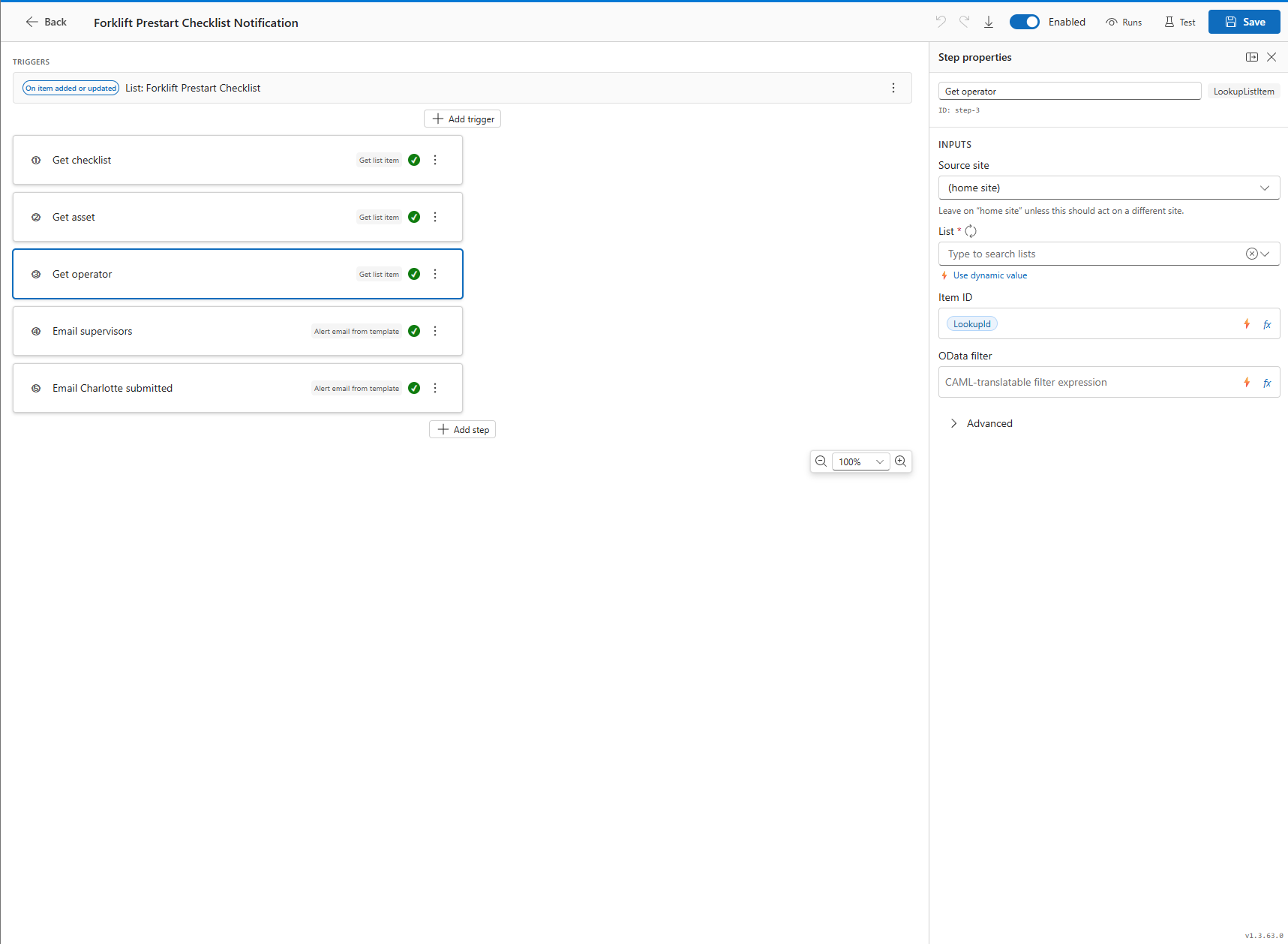
What you can wire up
Triggers
On submit, on a field condition, on a due date, on a button, from an outside system.
Actions
Update items, turn Word into PDF, publish, move or archive files, set permissions.
Notifications
Email and Teams, with throttling so people are not buried in alerts.
Flow control
Branches, loops, delays, and run-once guards so nothing fires twice.
Approvals from inside
Staff who are signed in approve straight from SharePoint. They see the item, the history, and the decision they need to make.
Approvals from outside
A supplier or external customer approves through a branded page from an email link. The link is time limited and works once, then it is done.
Your team builds these, or we do
Most customers draw their own workflows once they have seen a few. If you would rather hand that over at the start, we will build them with you and leave them yours to change.