Start from a form, not a blank page
Below is a sample of what comes in the box. Pick one, change the fields and the wording to suit your site, and it is ready. Every form saves straight to a SharePoint list.
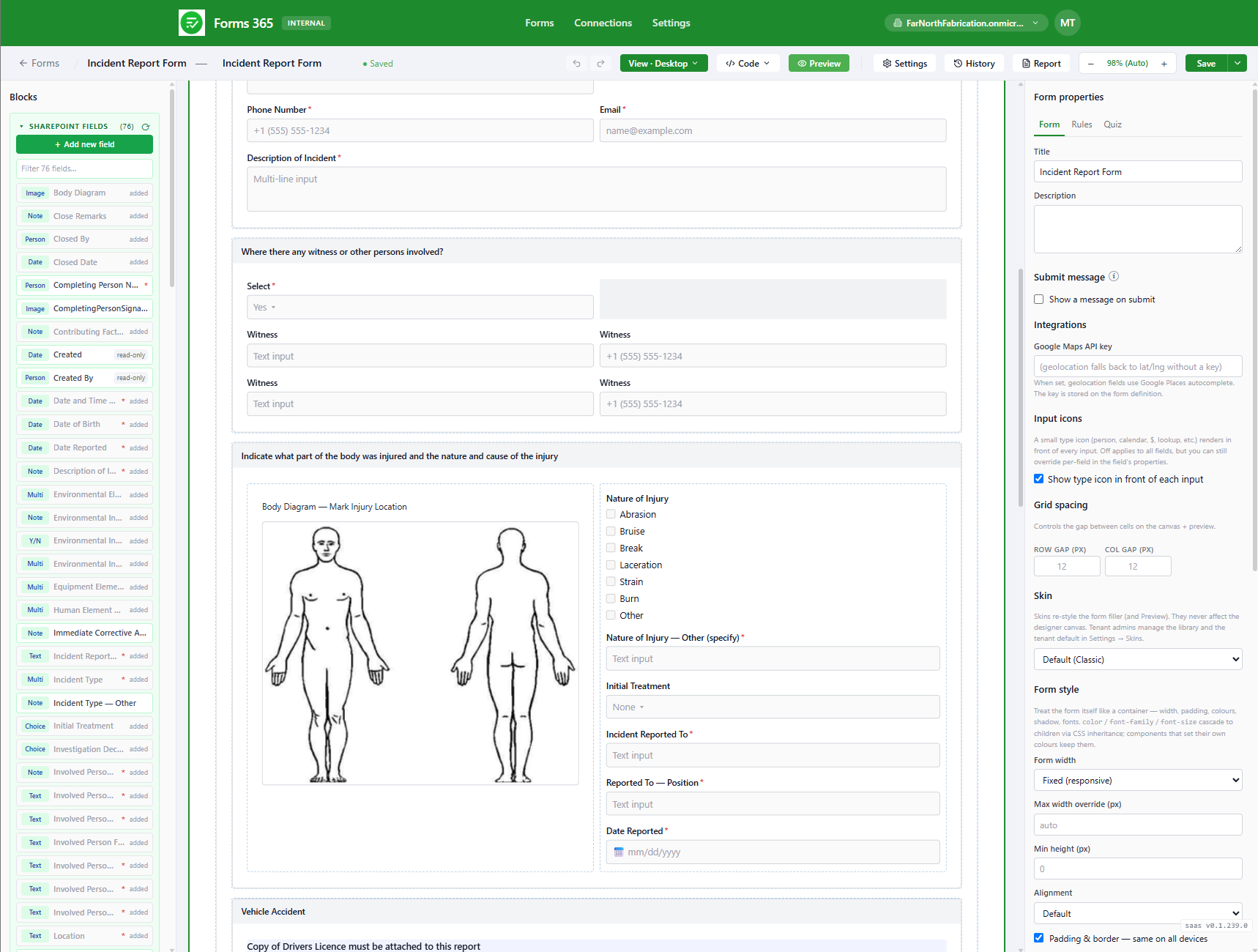
Safety
- Incident report
- Hazard report
- Near miss
- Injury or illness
- Safety observation
- Corrective action
Risk and compliance
- Risk assessment
- SWMS review
- JSEA / JSA
- Change management
- Non-conformance (NCR)
- Audit
- Inspection
Assets and maintenance
- Plant and equipment register
- Maintenance request
- Breakdown report
- Asset inspection
- Pre-start checklist
People
- Induction
- Training record
- Competency assessment
- Visitor registration
- Contractor registration
Permits
- Permit to work
- Hot works
- Confined space
- Excavation
- Isolation / LOTO
Environmental
- Environmental hazard
- Environmental inspection
- Waste tracking
- Spill report
Management
- Action register
- Meeting minutes
- Toolbox talk
- Management review
- Improvement suggestion
That is a selection, not the whole list. New forms get built by your team whenever a new process turns up.
Public forms
Some forms need to reach people outside your tenant. A contractor signing in. A member of the public reporting a spill. Publish a link, no login required, and the response still lands in your SharePoint list.
Internal forms
For staff who are already in SharePoint, these replace the plain default list forms with something that handles person fields, lookups, attachments and the rest, and looks right on a phone on site.
A form on its own is just paper
The value shows up when a submission starts a workflow and ends as a signed record. That is the next page.